Computer Desktops & Laptop
Repairs Maintenance

At YAL, our primary objective is to provide exceptional service in resolving the technical issues that are hindering your PC’s performance. We understand the frustration and disruption caused by a malfunctioning computer, and our dedicated team is committed to swiftly and accurately identifying the root cause of the problem. We employ a meticulous diagnostic process to pinpoint the exact issue, whether it’s a hardware malfunction, software glitch, or a virus infection. Our technicians possess extensive expertise in computer repair service a wide range of PC brands and models, ensuring that your device receives the necessary attention from skilled professionals.

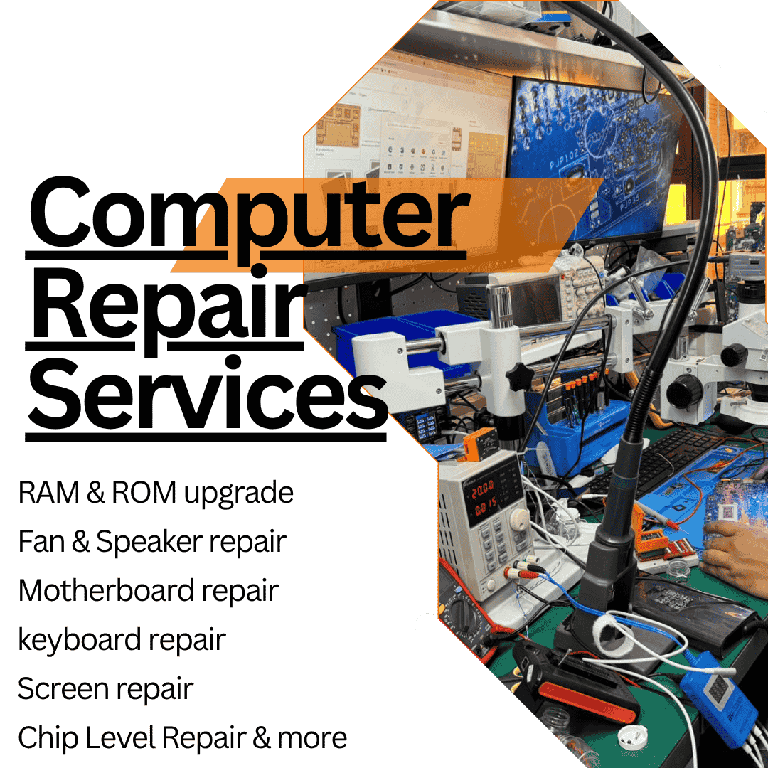
Banner advertising Computer Repair Services with a tech workbench in the background, listing RAM & ROM upgrade, fan & speaker repair, motherboard repair, keyboard repair, screen repair, and more.

Our Services

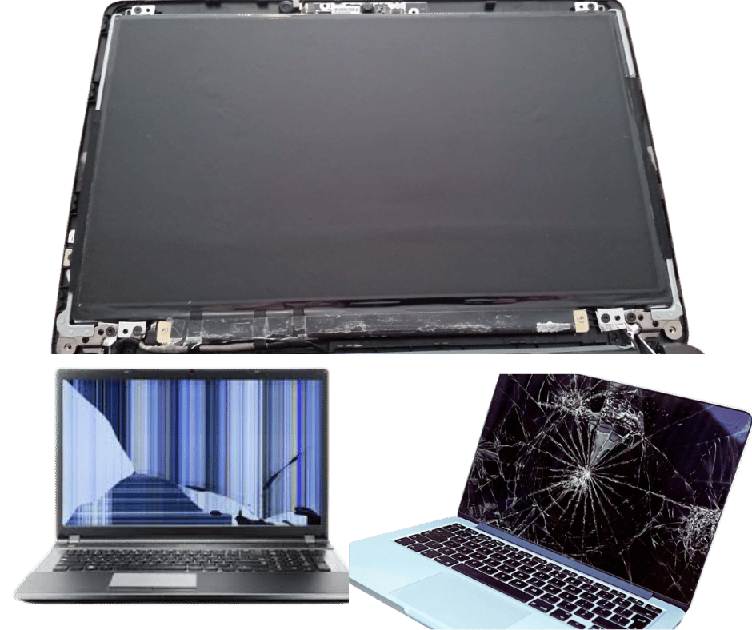
Open LCD panel above two laptops showing damaged displays (one with vertical blue lines, one with a shattered screen).

Laptop Screen Repair/Replacement

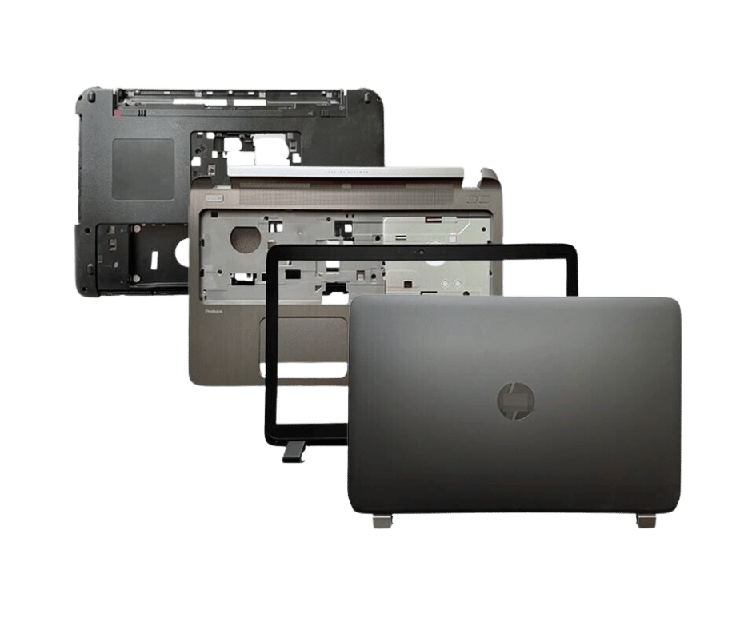
Exploded view of a laptop with outer shell, screen bezel, chassis, and lid laid out separately

Laptop Casing / Housing / Top Cover Repair and Replacement

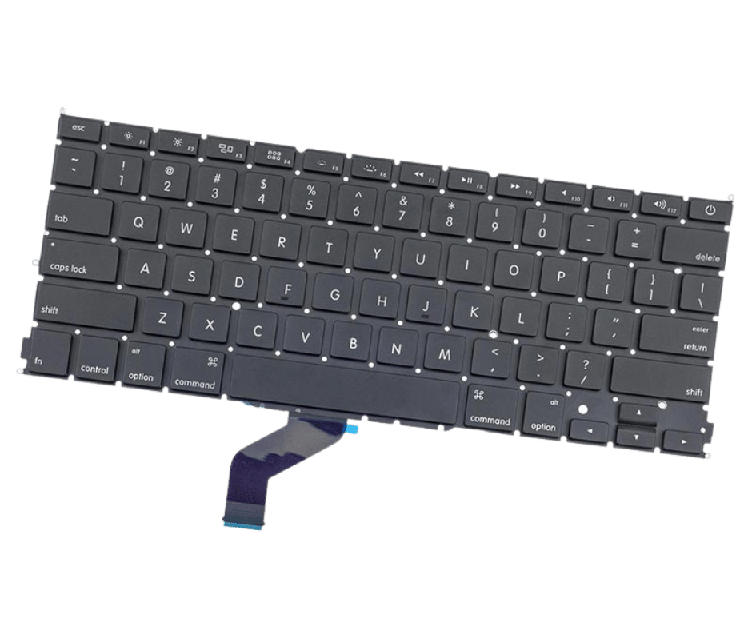
Black laptop keyboard with a blue flex ribbon cable attached, photographed at an angle.

Keyboard replacement/Repair

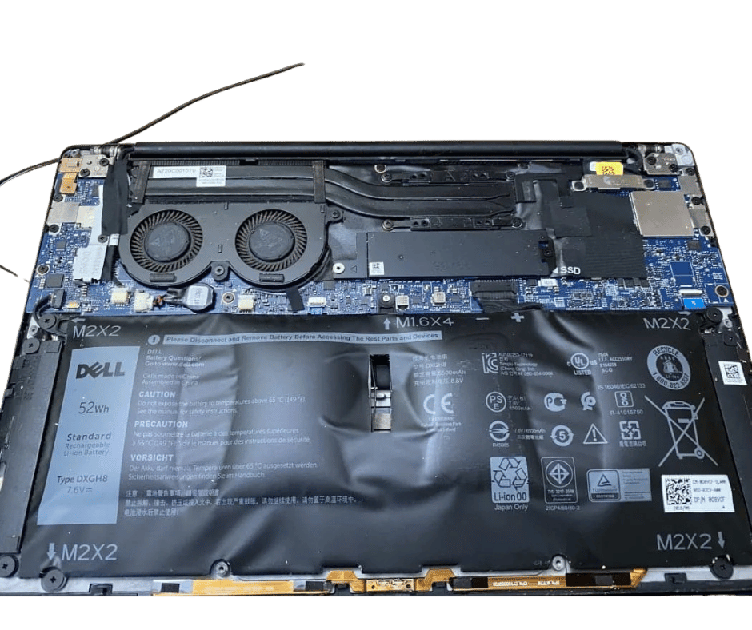
Open Dell laptop with bottom cover removed, exposing cooling fans, motherboard, and a 52Wh battery

Battery Replacement

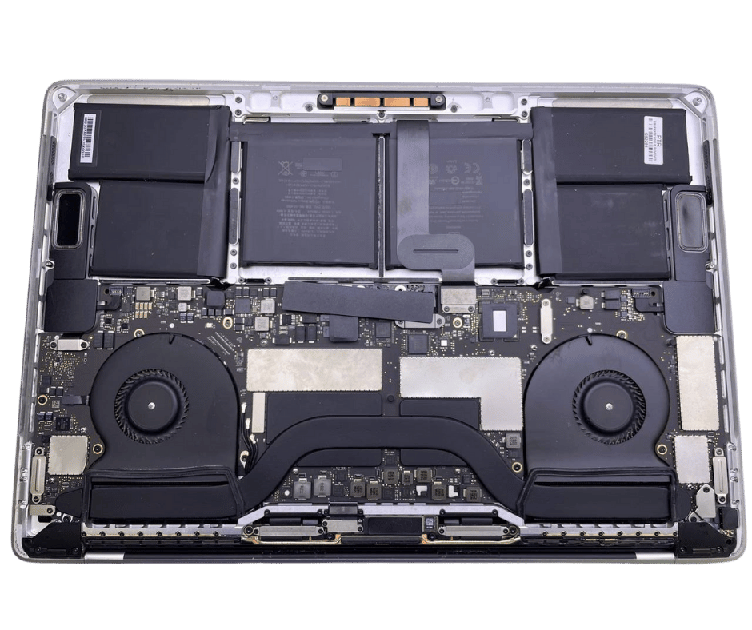
Open laptop with exposed motherboard, batteries, and dual cooling fans.

Macbook Battery Replacement

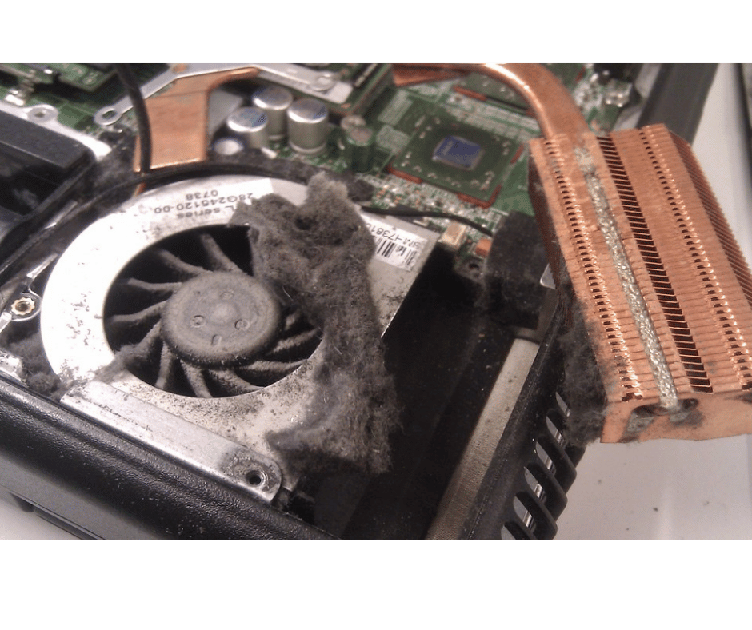
Internal view of a laptop cooling system: a dusty fan and heatsink with a copper heat pipe visible on the motherboard edge.

Laptop Cooling Fan Repair

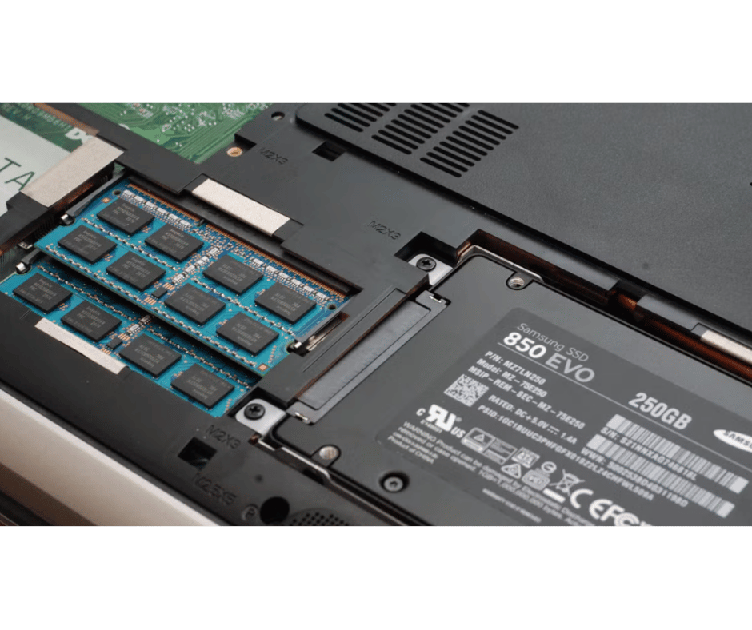
Laptop internals: RAM modules and a Samsung 850 EVO 250GB SSD visible in the drive bay area

Laptop RAM Upgrade

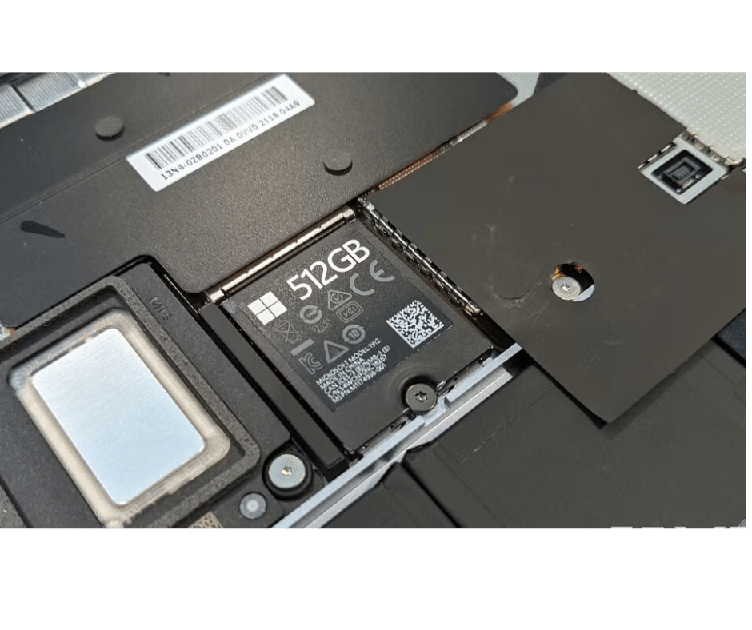
Close-up of a 512GB SSD inside a laptop, showing the label and surrounding components of the drive bay

Laptop SSD Installation/Replacement

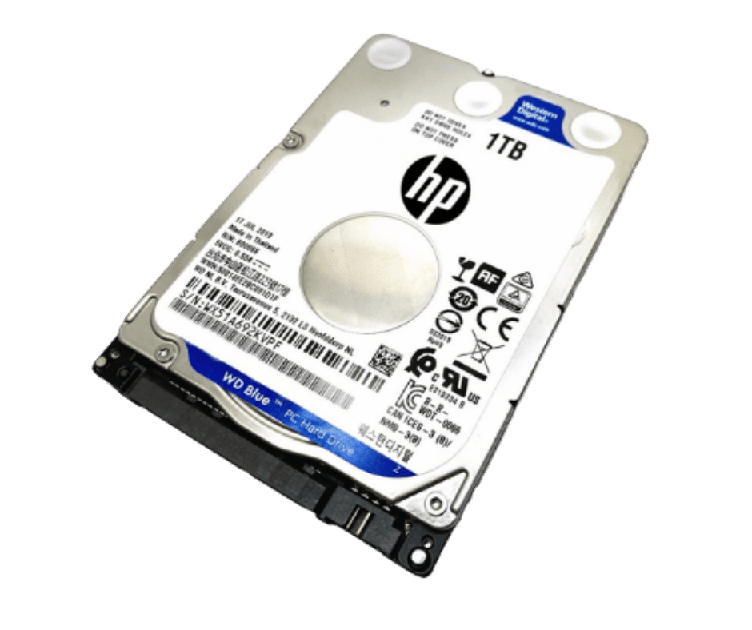
Internal 3.5-inch hard disk drive (HP) with 1TB capacity labeled WD Blue, showing cables/connector end and product markings

HDD Upgrade

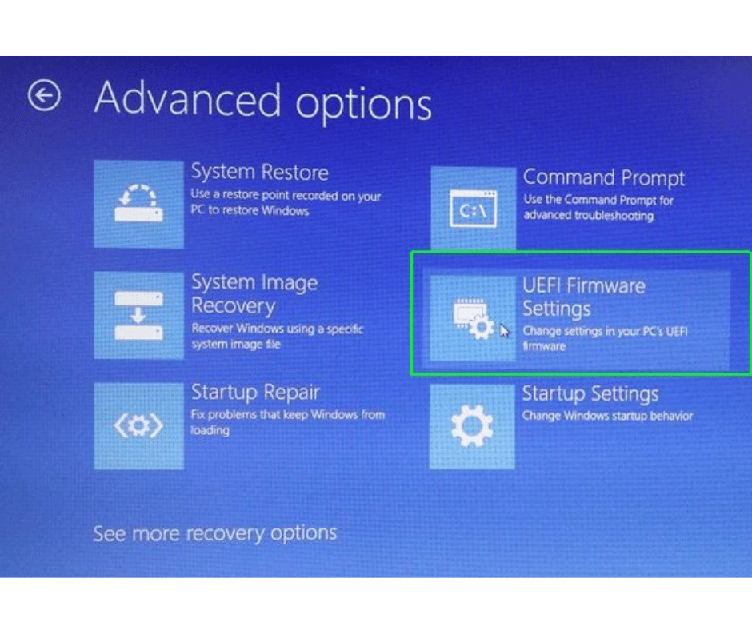
Windows Advanced options screen with UEFI Firmware Settings tile highlighted in green border

Laptop BIOS Reset

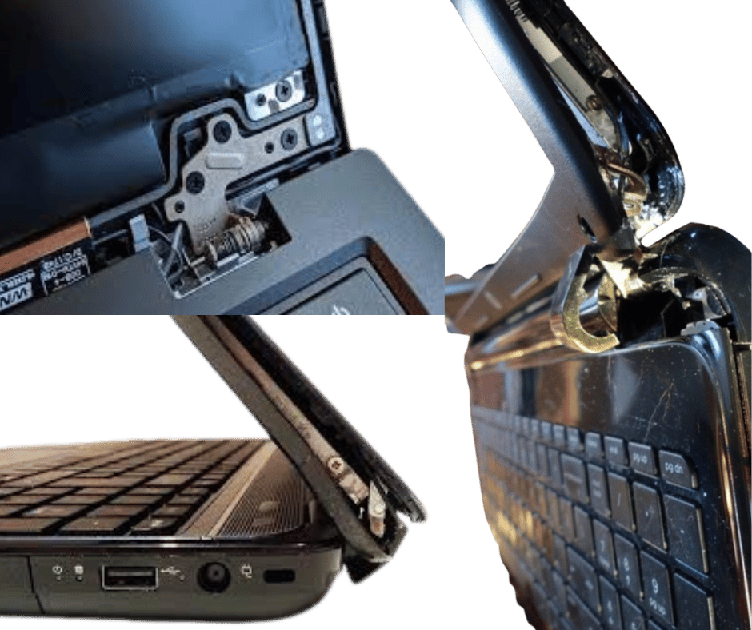
Laptop with a severely damaged hinge and display, exposing internal components in a collage image.

Laptop Hinges Repair

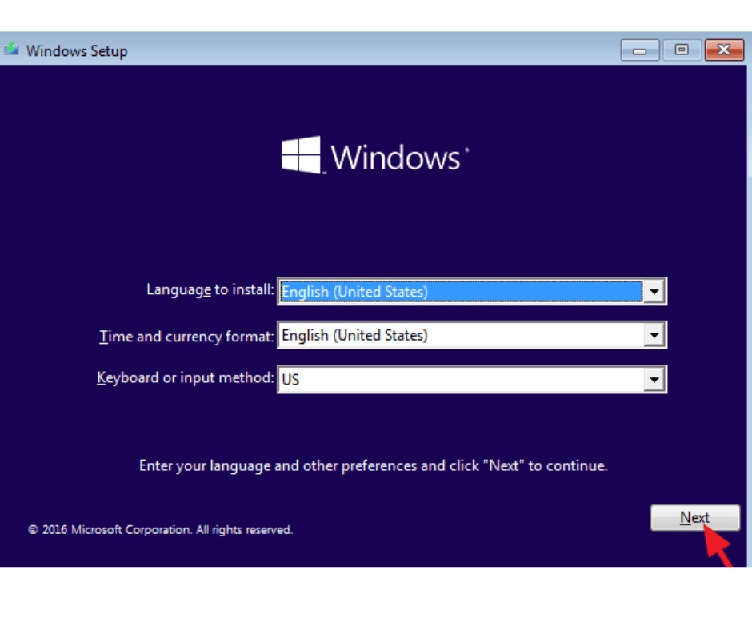
Laptop Windows Installation and Reinstallation

Colorful banner of Microsoft Office app icons on square tiles (Word, PowerPoint, Excel, Outlook, OneDrive) with the large orange Office logo on the left.

Laptop Microsoft Office Installation

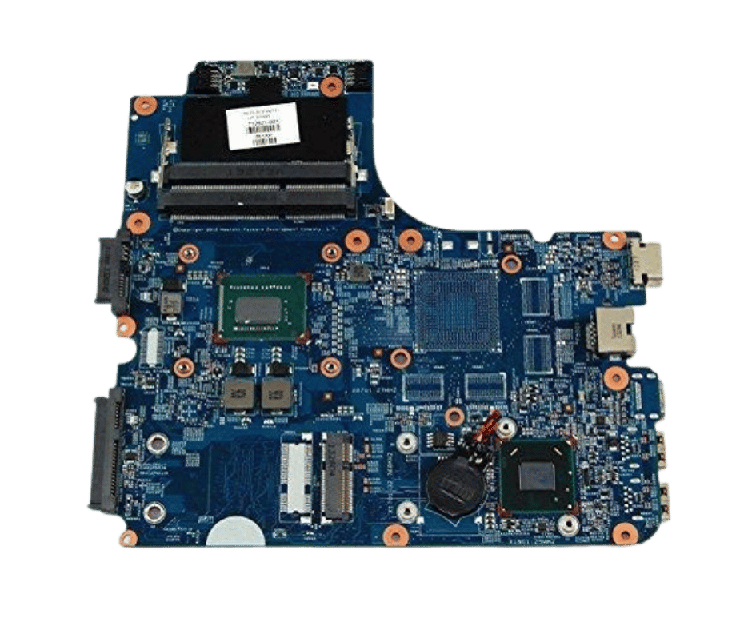
Blue laptop motherboard with RAM slot, CPU chip, and connectors visible, isolated on transparent background.

Power and Motherboard Repair.

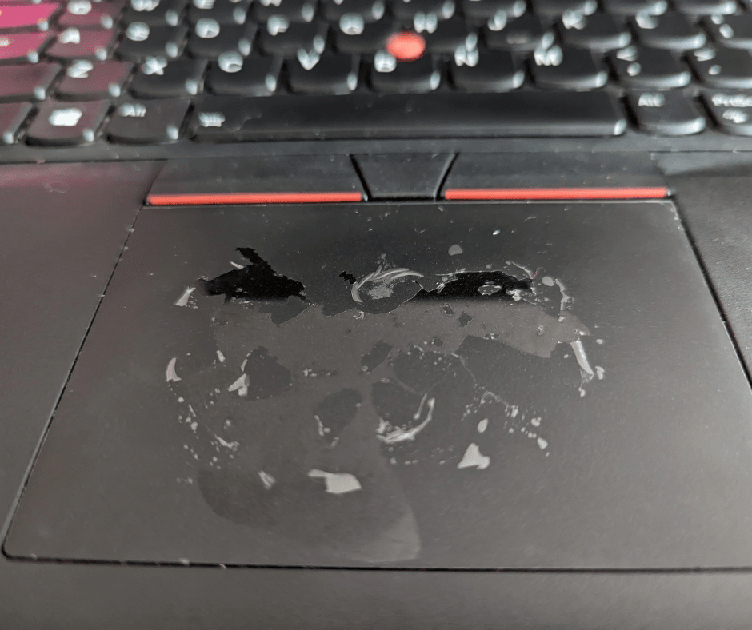
Close-up of a laptop touchpad with worn, smeared coating and circular wear marks, with a keyboard visible above.

TouchPad repair

Internal view of a laptop cooling system: a dusty fan and heatsink with a copper heat pipe visible on the motherboard edge.

Laptop Fan and Speakers Repairs or Replacement

No Sound at All
  • Driver Issues: Outdated, corrupted, or missing audio drivers.
  • Hardware Malfunction: Damaged speakers, sound card, or audio jack.
  • Software Conflicts: Incompatibility with other software or operating system updates.
  • Cable Issues: loose or damaged connections
Distorted or Crackling Sound
  • Driver Issues: Similar to the “No Sound” issue.
  • Hardware Overloading: High volume levels causing distortion.
  • Interference: Electromagnetic interference from other devices.
  • Hardware Damage: Damaged speakers or internal components.

Laptop Hinges
Repair/Replacement

  • Screen Wobble
  • Stiffness or Resistance
  • Misalignment
  • Cracking or Breaking
  • Loose screws
  • Display Issues
Laptop with a severely damaged hinge and display, exposing internal components in a collage image.
Black laptop keyboard with a blue flex ribbon cable attached, photographed at an angle.

Laptop Keyboard Repair/Replacement

  • Sticky keys
  • Ghosting
  • Key Repeat
  • Key Not Working
  • Double Typing
  • Erratic Behaviour

Laptop Motherboard Repair| Replacement

  • System instability: Frequent crashes, freezes, or unexpected shutdowns.
  • Hardware malfunctions: Problems with peripherals like keyboards, mice, or external drives.
  • No power: The computer may fail to turn on or show any signs of life.
  • Blue Screen of Death (BSoD): Laptop indicates serious system errors, often caused by hardware problems.
  • Slow performance: The computer runs significantly slower than normal.
Blue laptop motherboard with RAM slot, CPU chip, and connectors visible on a circuit board.
Open LCD panel above two laptops showing damaged displays (one with vertical blue lines, one with a shattered screen).

Laptop Screen Repair/Replacement

  • Flickering
  • Ghosting
  • Color Inaccuracies
  • Backlight Issues
  • Dead Pixels
  • Lines or Artifacts
  • Inaccurate Touch Response (Touchscreen Issues)
  • Ghost Touches (Touchscreen Issues)
  • Touchscreen Unresponsiveness
Scroll to Top